Features
An overview of the tools available in CAMADA Playground.
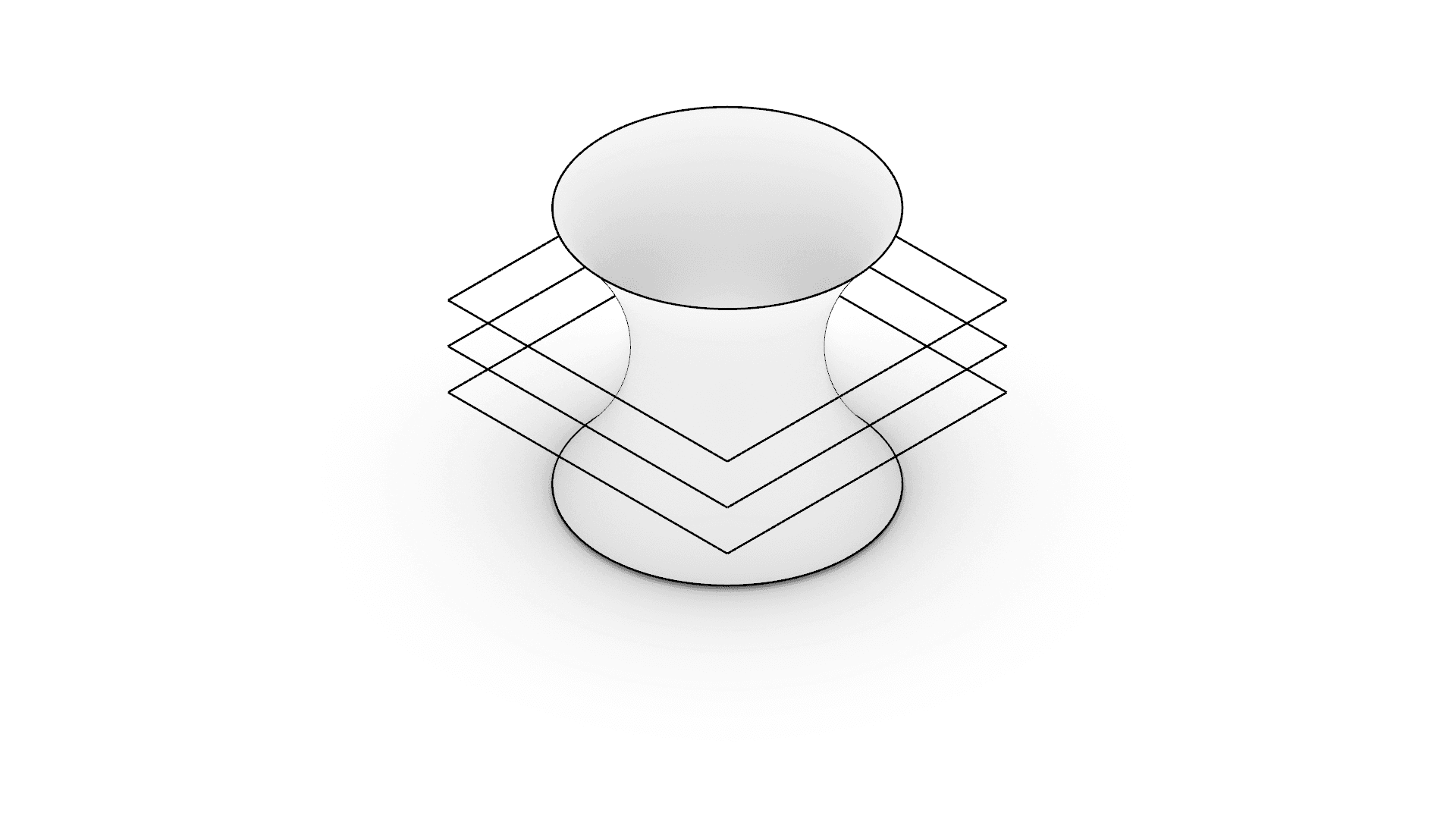
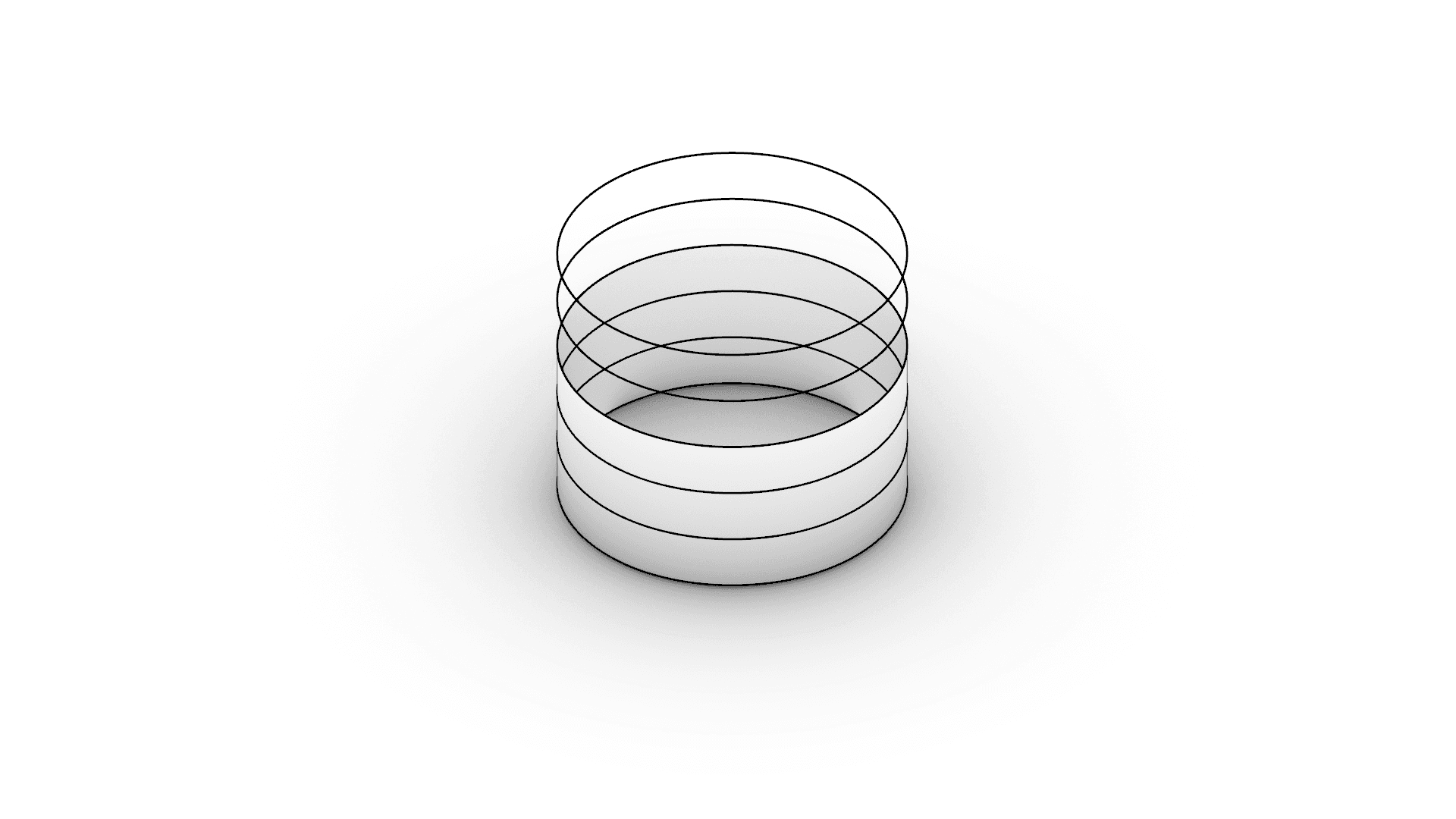
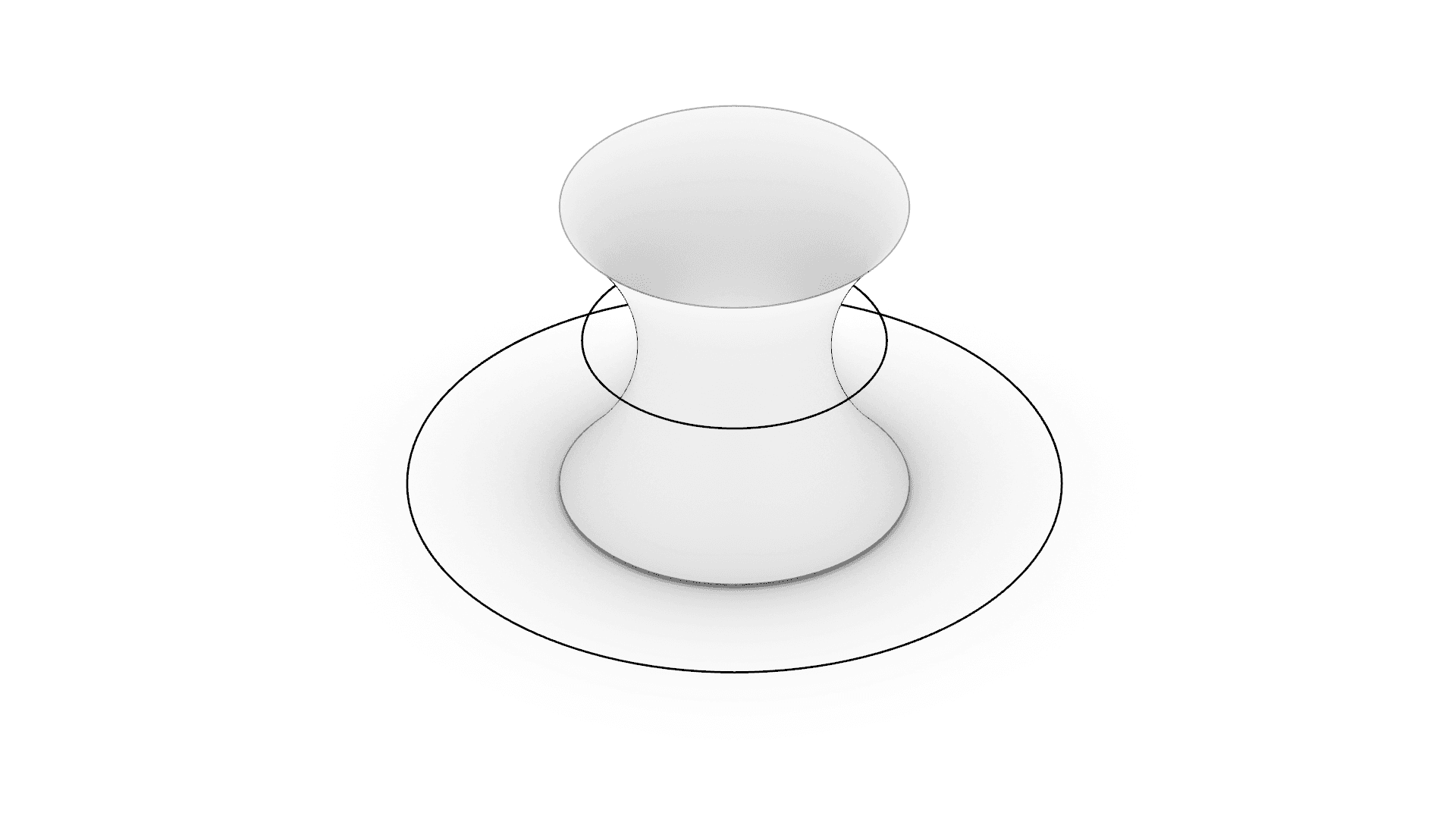
CAMADA Playground provides a set of design tools built specifically for 3D Concrete Printing (3DCP). Each tool takes a different input — a 3D model, a 2D drawing, or a set of parameters — and outputs a printpath ready for G-code export.
There are three main categories of Design tools:
- Slicer 3D — Upload a 3D mesh (STL or Rhino) and slice it into horizontal layers to generate a printpath. Includes model analysis, overhang detection, and rotation controls.
- Slicer 2D — Upload a 2D file (PDF or Rhino) with vector linework and extrude the selected curves vertically into a multi-layer printpath. Ideal for floor plans and wall profiles.
- Parametric Scripts — Generate printpaths entirely from parameters, with no file upload required. Scripts encode specific geometric logic (e.g., cylindrical shapes) and expose adjustable controls for rapid design iteration.
All design tools produce a Design that can be viewed in the main workspace, inspected layer by layer, and exported as G-code for any 3D concrete printer.